Before rollout
Run curated scenarios that test grounded answers, refusals, escalation paths, and retrieval quality.
Answer employee questions from your company’s data, then monitor how agents are used, evaluate their answers, and improve them over time.
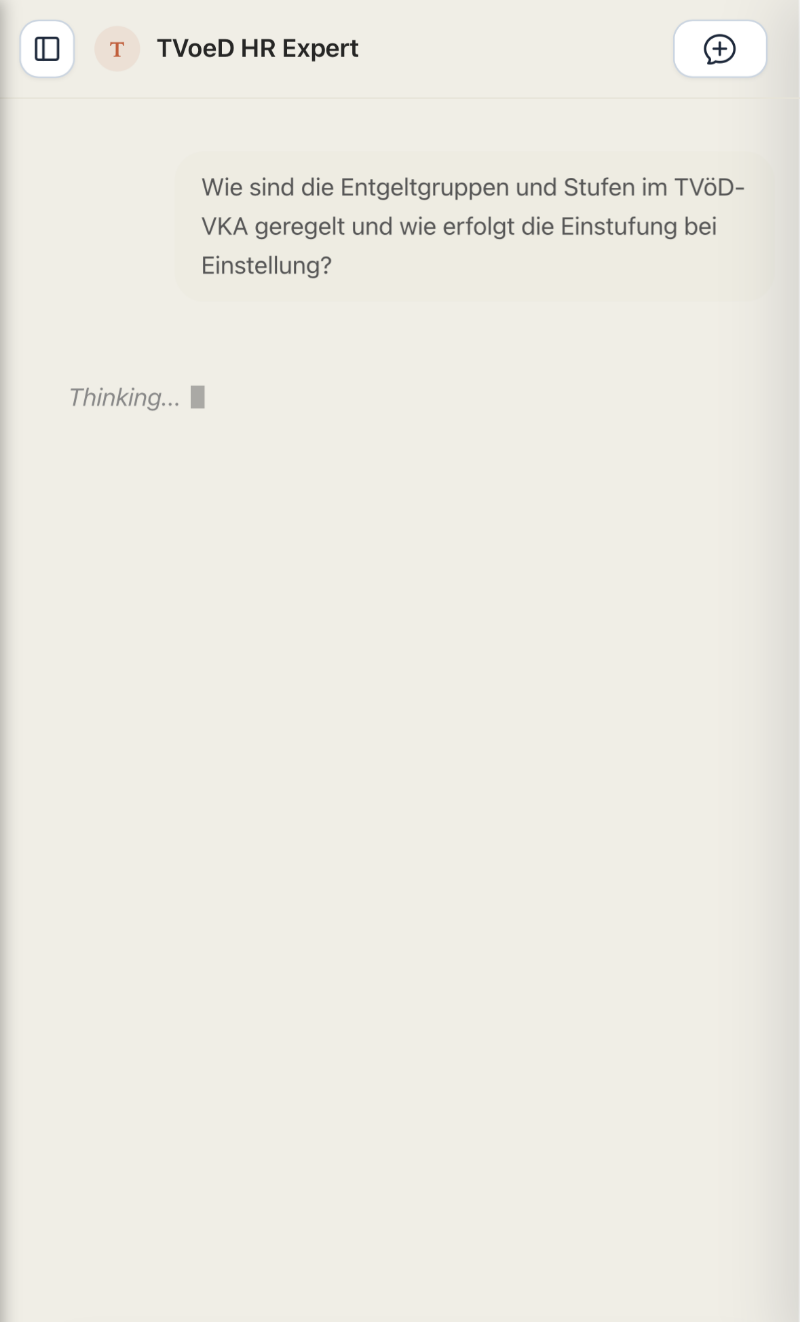
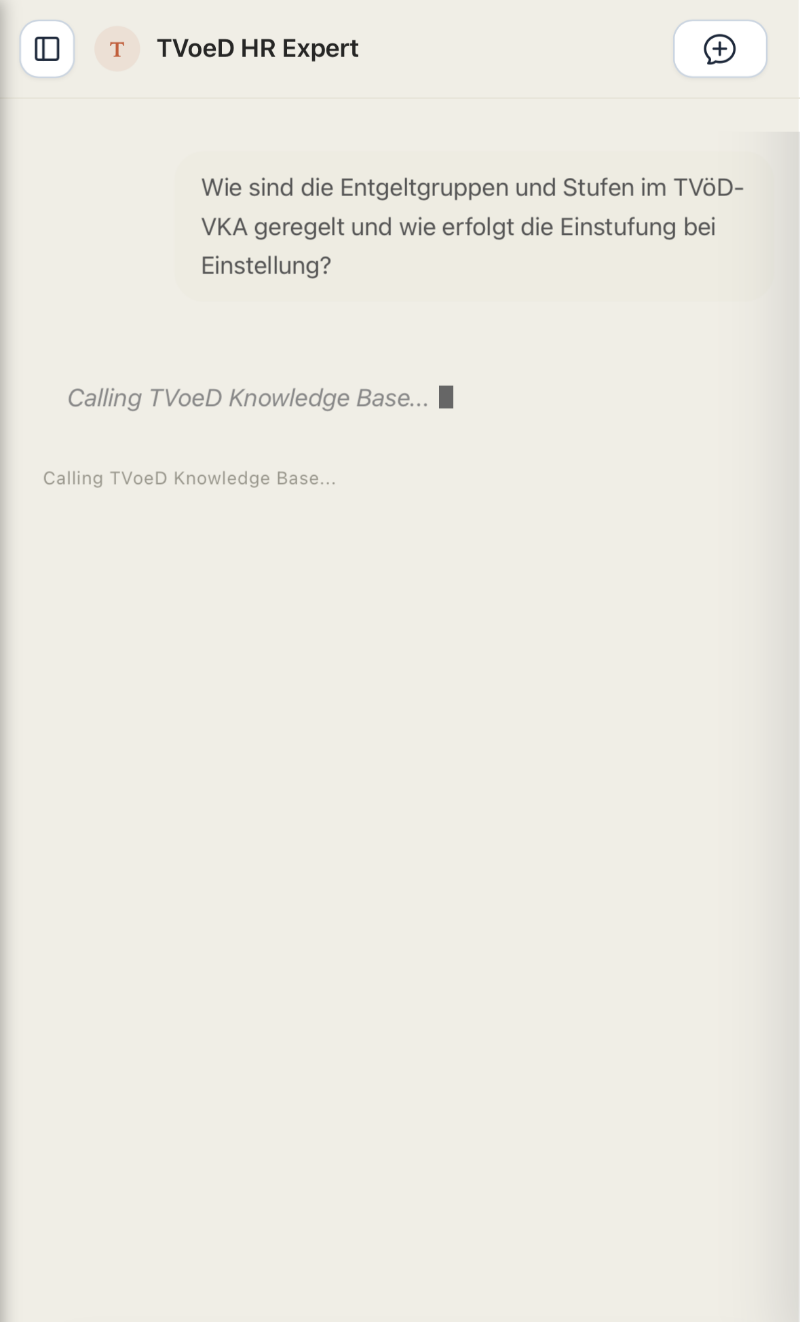
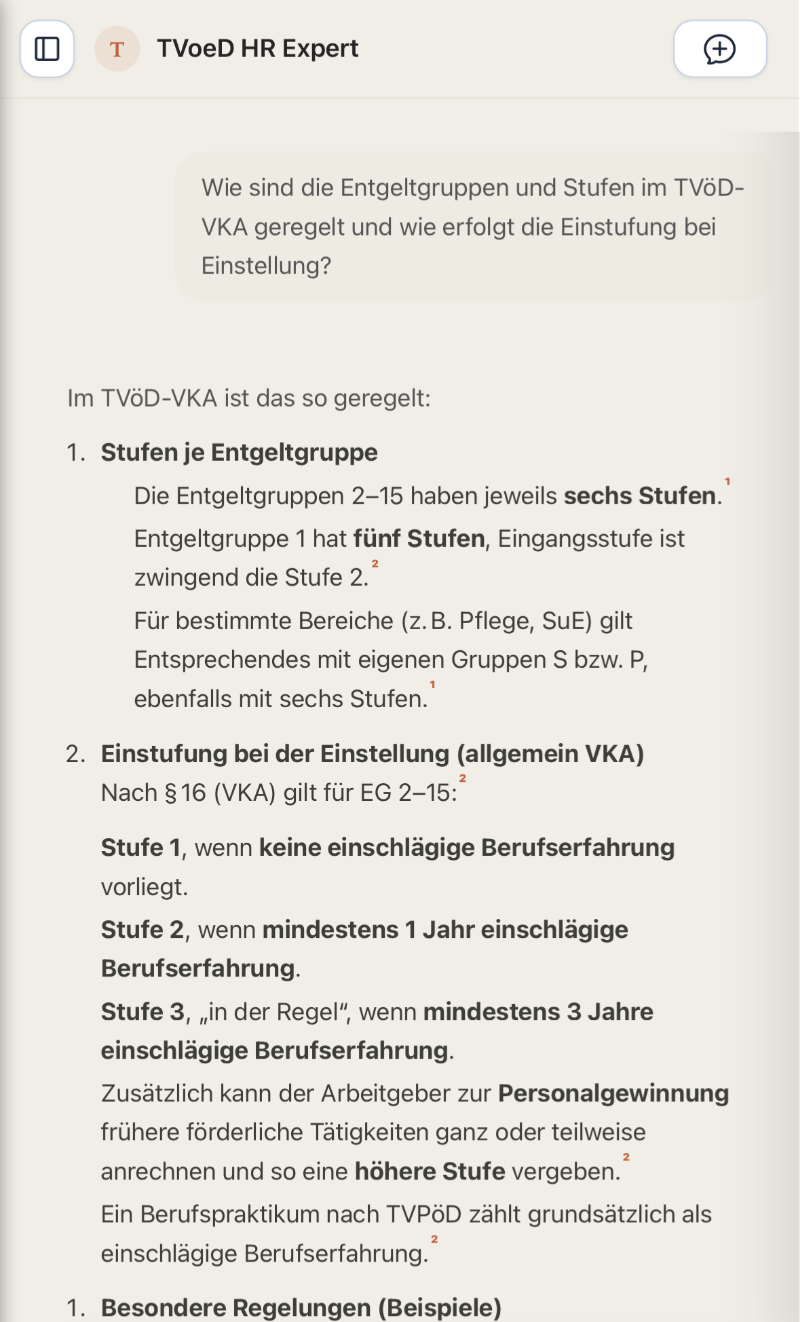
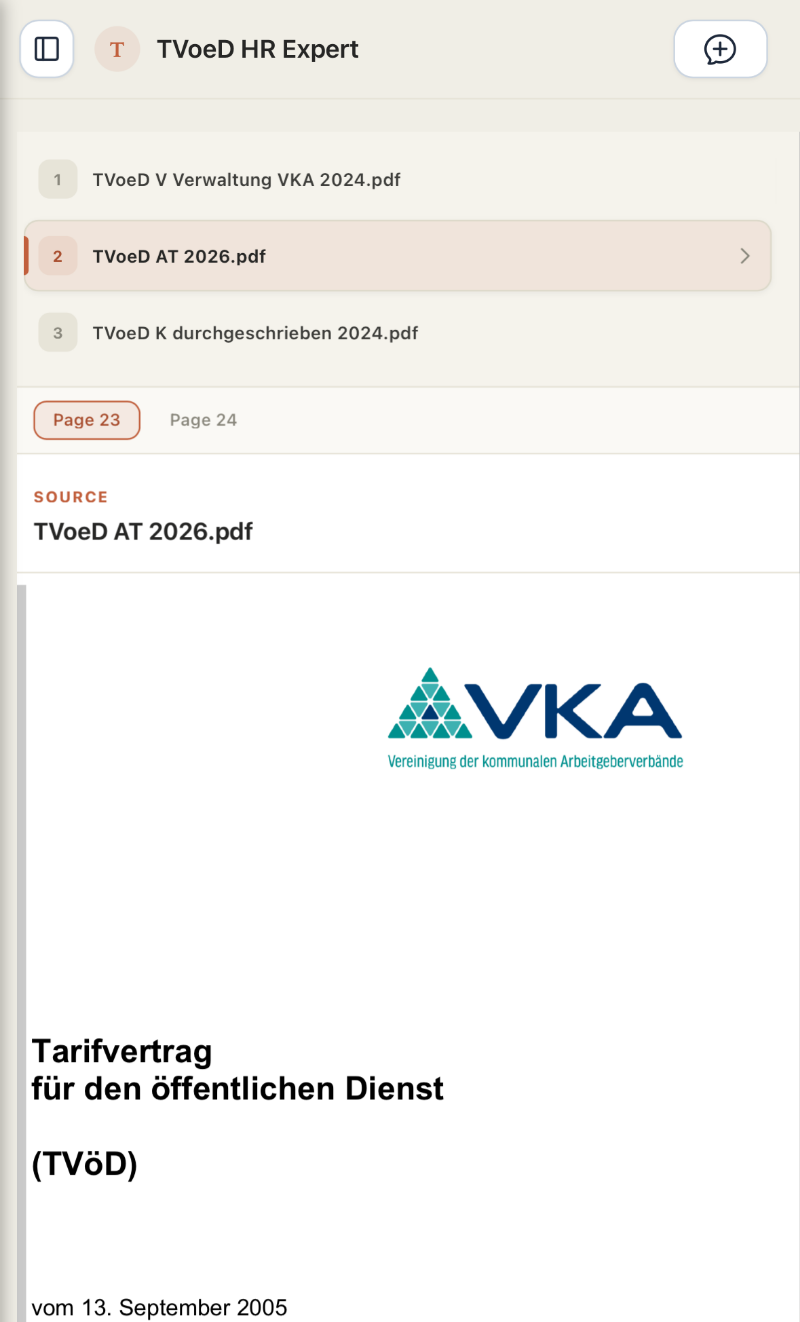
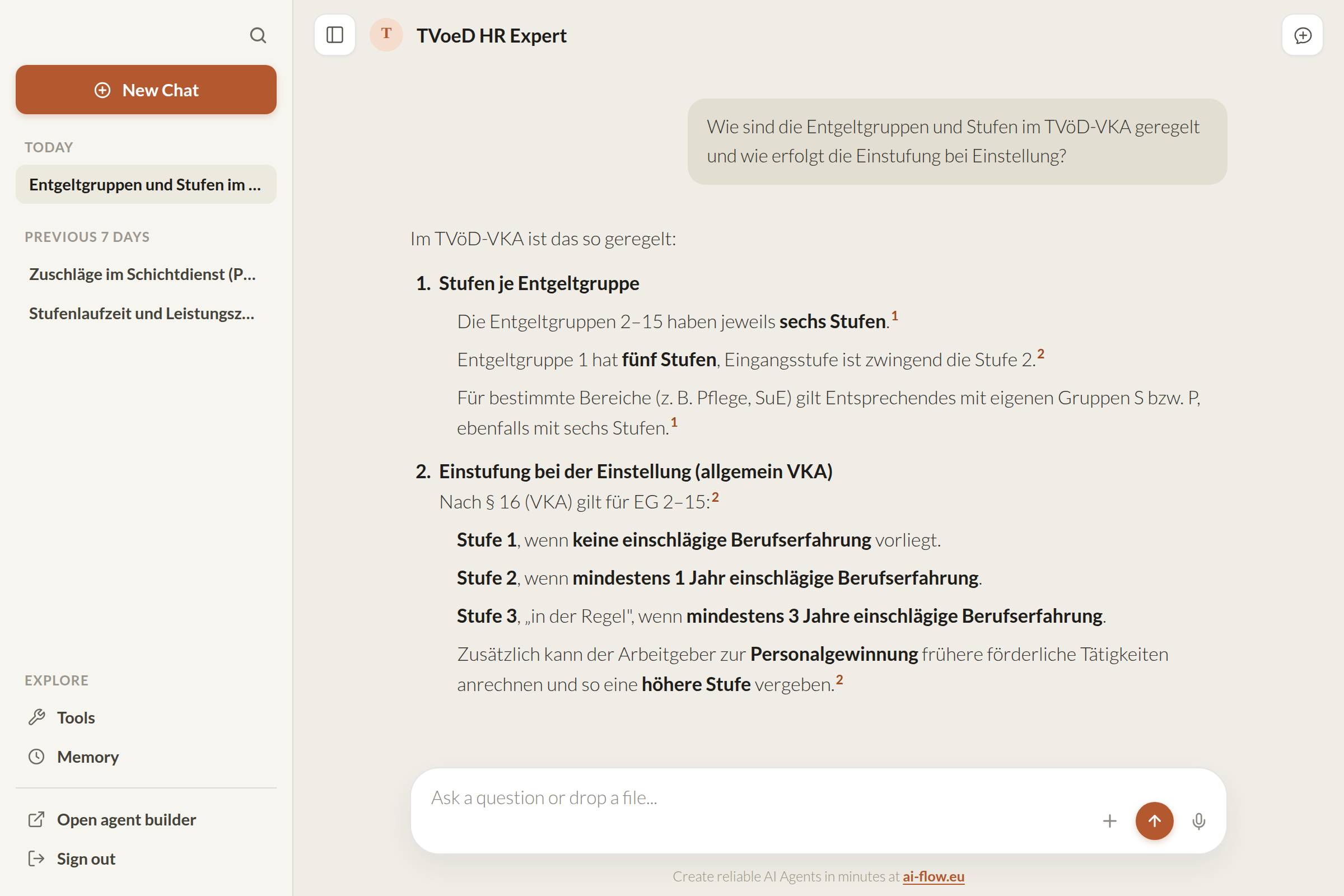
AI-Flow lets you build central AI agents that a team, department or your whole company can rely on. They answer from your own data, and every interaction becomes part of a quality loop.
Connect provider-agnostic AI agents to SharePoint, your CMS, or company databases for RAG, talk-to-your-data, or other agentic use cases. This gives employees one place to query both documents and structured company data.
Users can give feedback directly on answers. You can review conversations, run evaluations, track whether quality changes over time, and see what people actually ask about.
Monitoring, tracing and audit trails show when agents are used, which topics come up, how usage develops, and what that usage costs in tokens and model spend.
AI-Flow isn’t trying to give every employee their own personal AI assistant. ChatGPT and Claude already do that well. It’s for building shared company agents that stay grounded, observable and under your control.
Design AI workflows with knowledge sources, tools, triggers, and human approval steps on a visual canvas.
Run with permissions, escalation, auditability, and full visibility into how agents behave in production.
Evaluate outputs, measure groundedness, and refine agent performance continuously.
Give HR, IT, and operations teams a reliable way to answer recurring questions and handle routine work.

Answer recurring IT questions from approved documentation and hand complex cases to the service desk.

Give employees cited answers about policies, benefits, and internal processes without adding to the HR inbox.

Turn manuals and SOPs into accurate, source-grounded answers your teams can actually use.
Keep agents grounded, reviewable, and under human control as more teams start using them.
Answers cite the documents, policies, and data your teams already use, so employees can check the source themselves.
Critical actions route to the right person before anything is sent, changed, or executed.
See which workflow ran, which sources it used, and which actions the agent took.
Start with one use case, measure the result, and add teams on the same governed platform.
AI-Flow includes document ingestion, access controls, traces, cost tracking, feedback, and evaluation. The product screenshots below show how each part works.
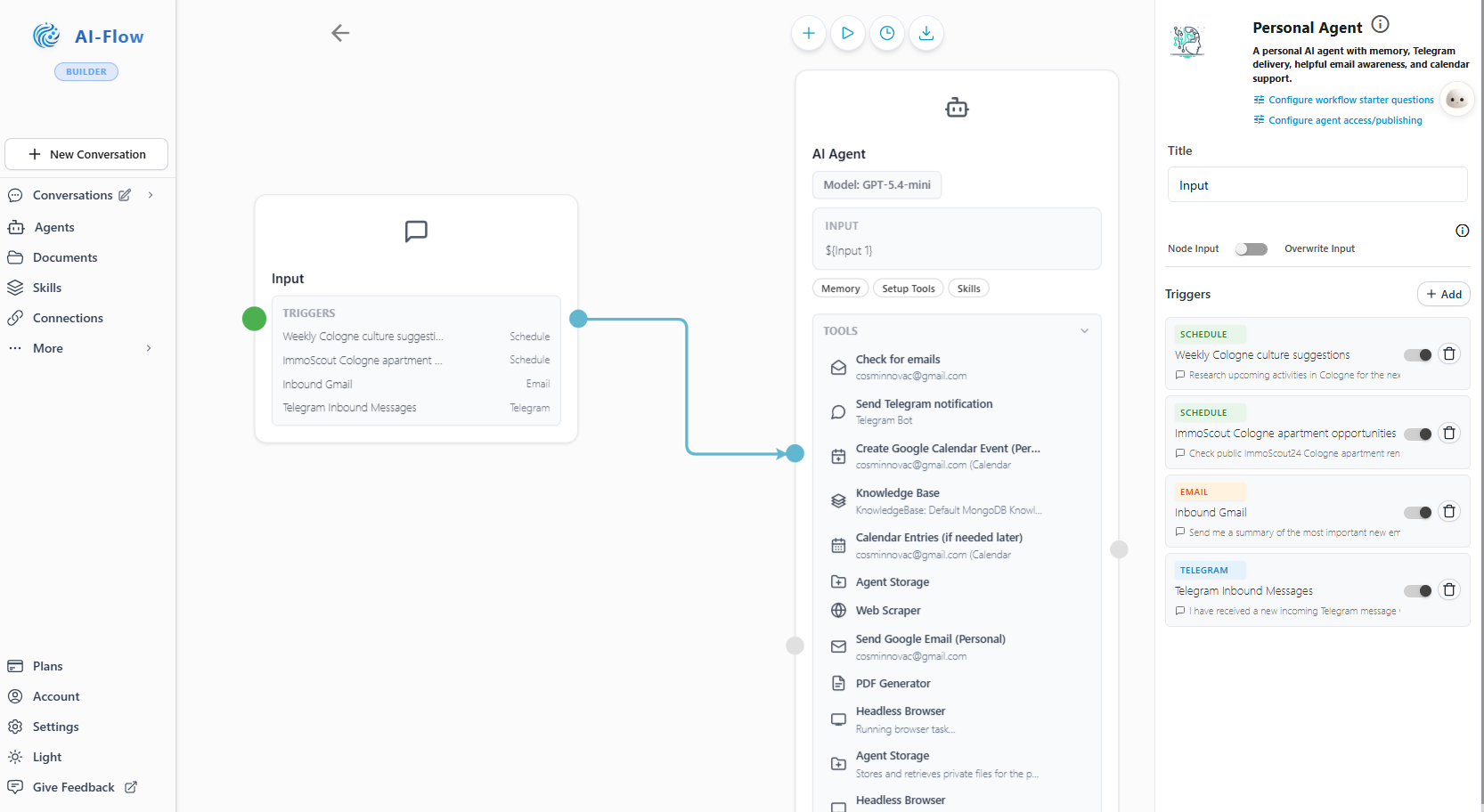
The visual canvas shows each agent's knowledge, tools, triggers, and approval steps. Business experts can follow the logic, while technical colleagues configure the details.
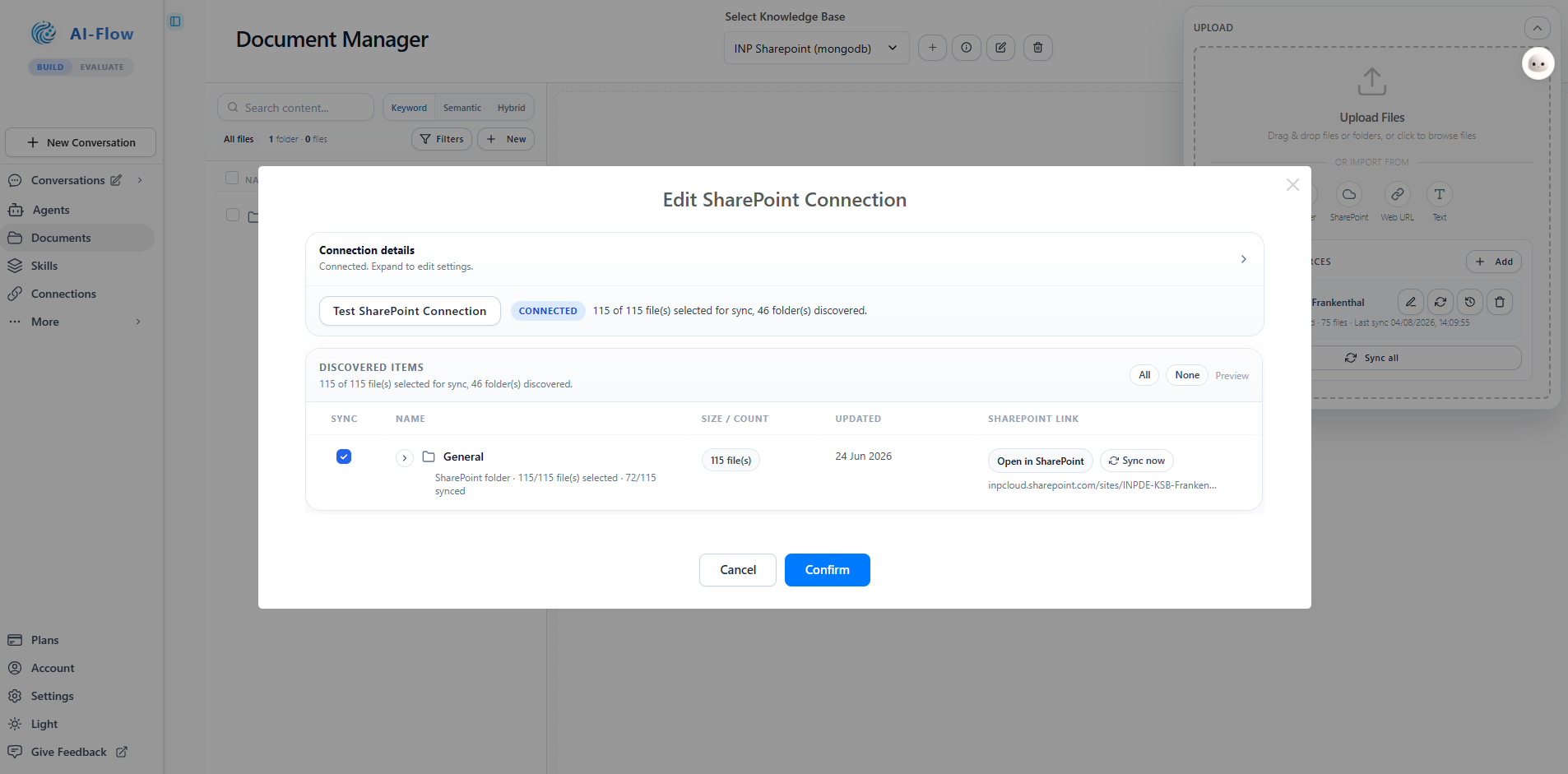
Sync SharePoint folders continuously, upload files, or pull from the web. Search every knowledge base by keyword, semantically, or both, and edit documents in place with a built-in editor.
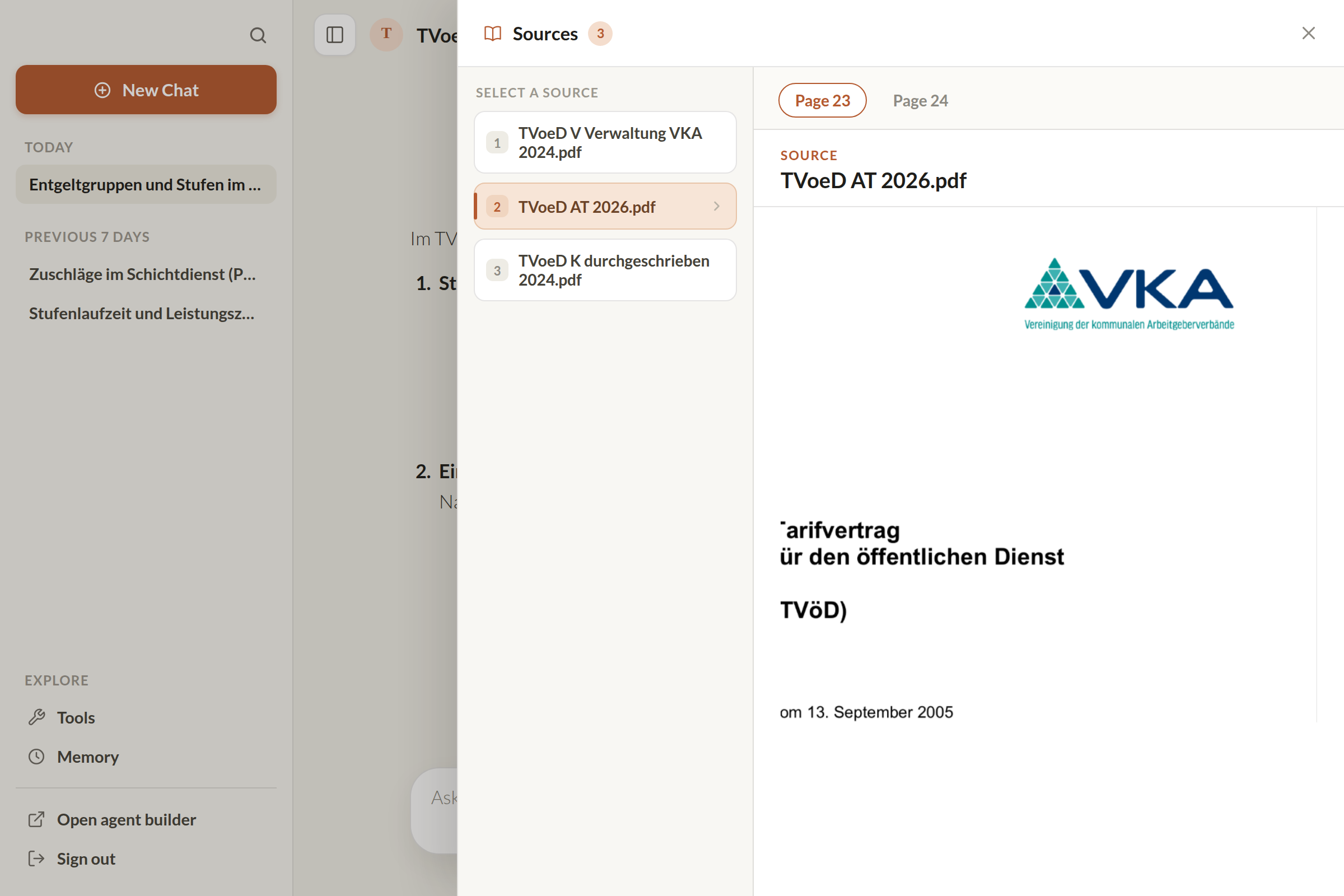
Answers cite their sources with footnotes. A click opens the sources panel with the document, the page, and the passage, so anyone can check the agent's work.
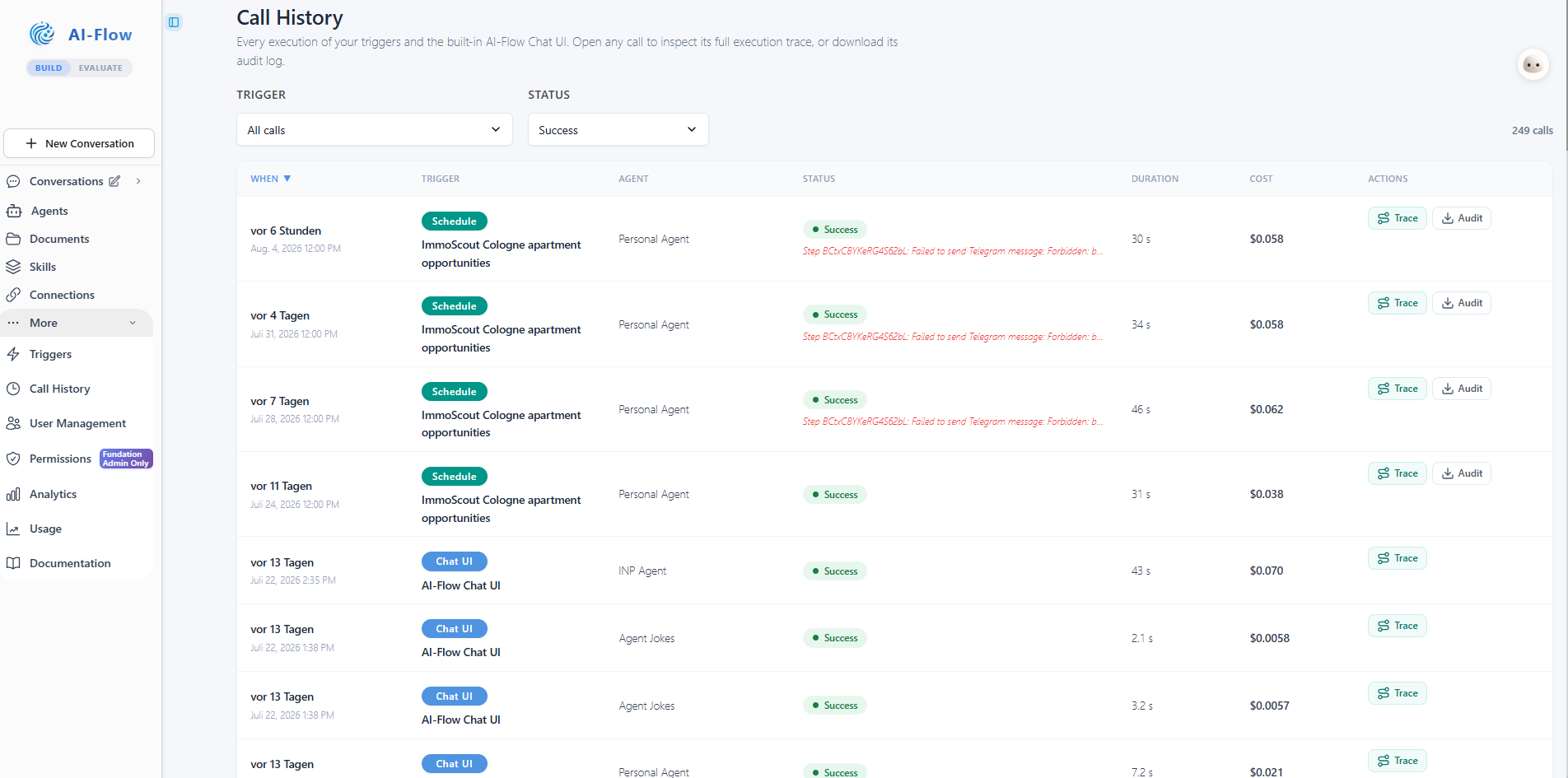
Call History records every execution with its trigger, duration, and cost. Open the full trace of any run or download its audit log. When a run fails, the trace shows the step where it failed.
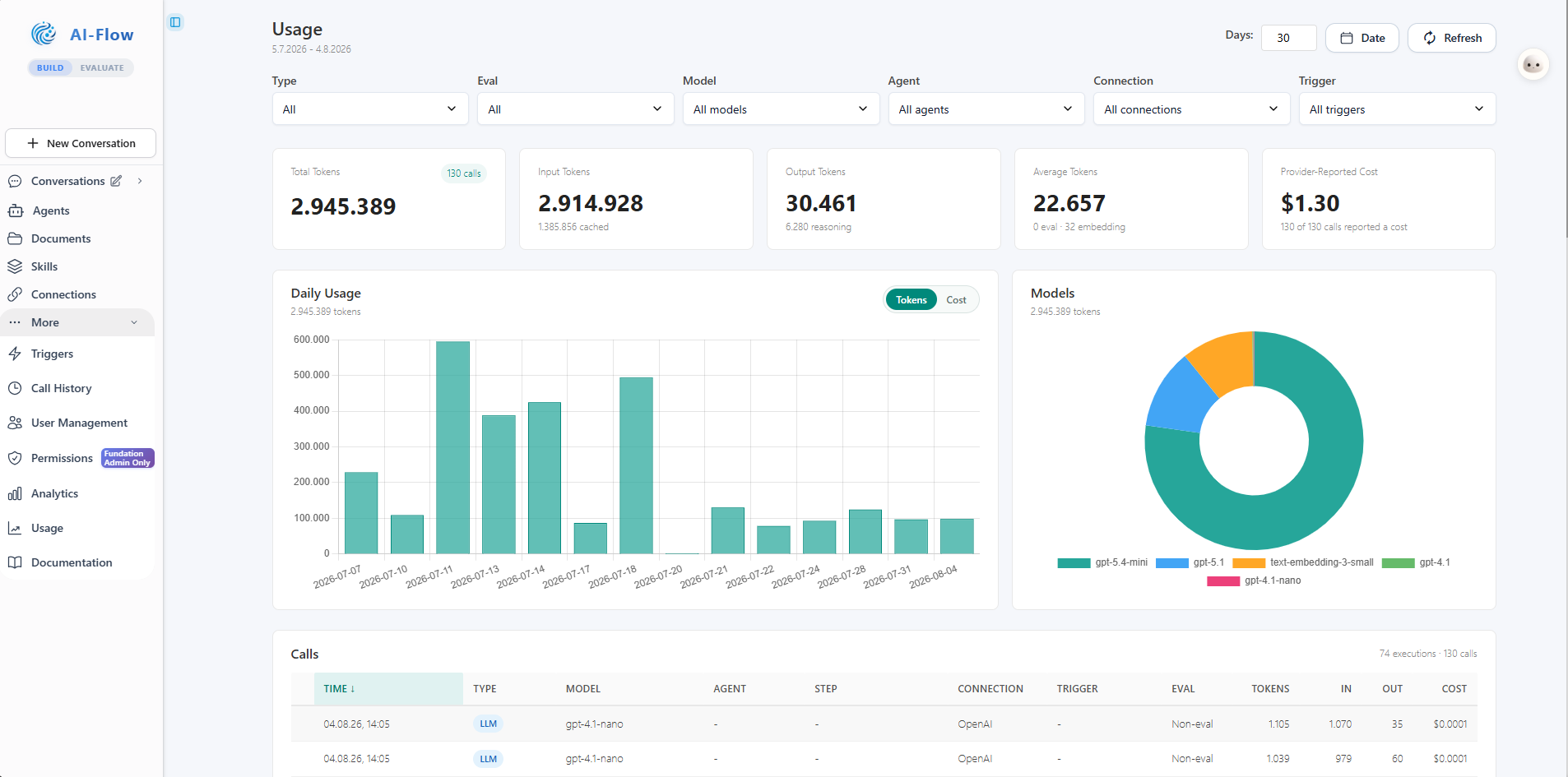
See token usage and provider-reported cost by model, agent, connection, trigger, or individual call. Cached and reasoning tokens are included in the same view.
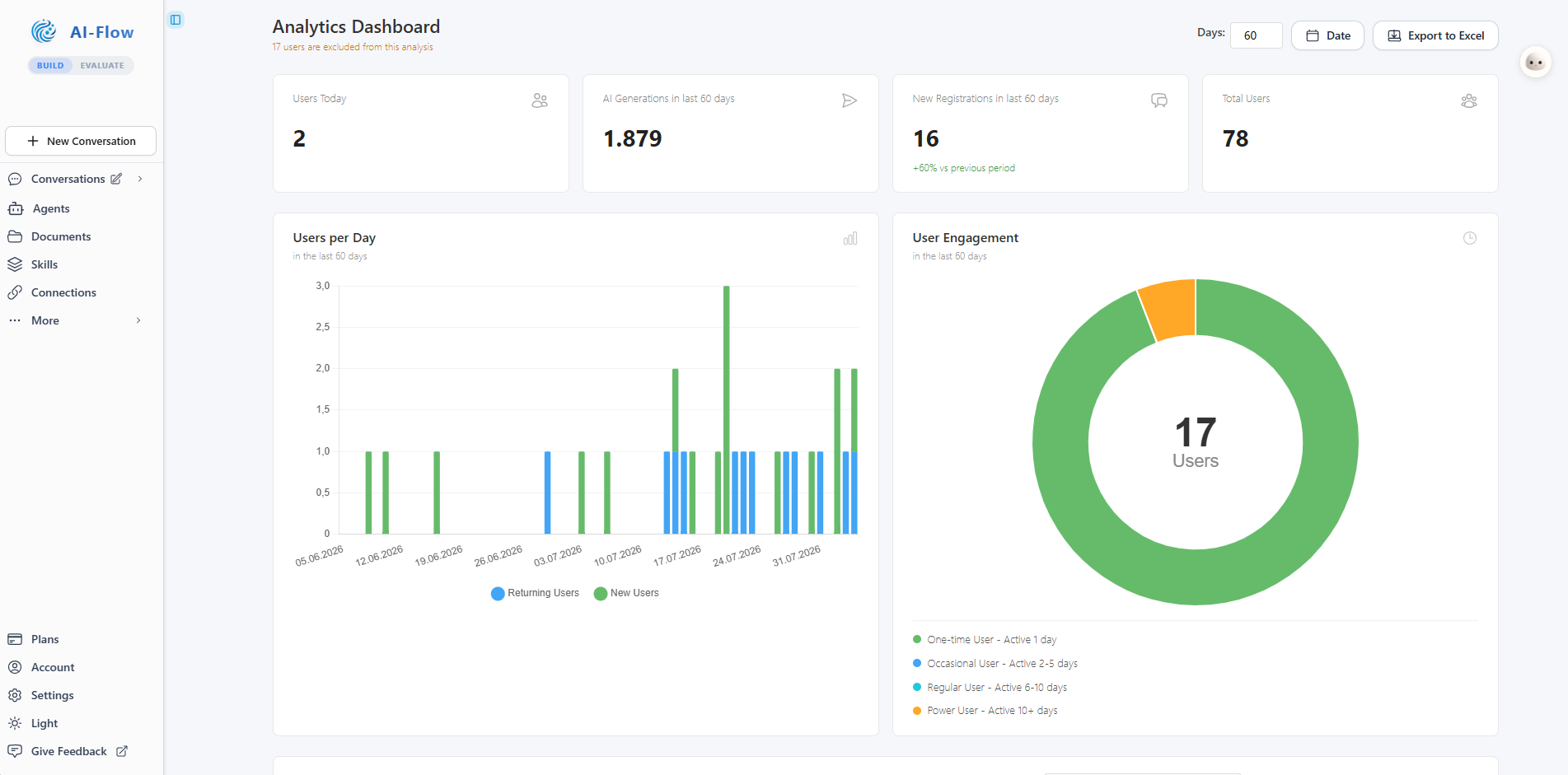
Role-based access control, organization-wide sharing, granular permissions, and adoption analytics live in the same admin area. Export usage data to Excel for reporting.
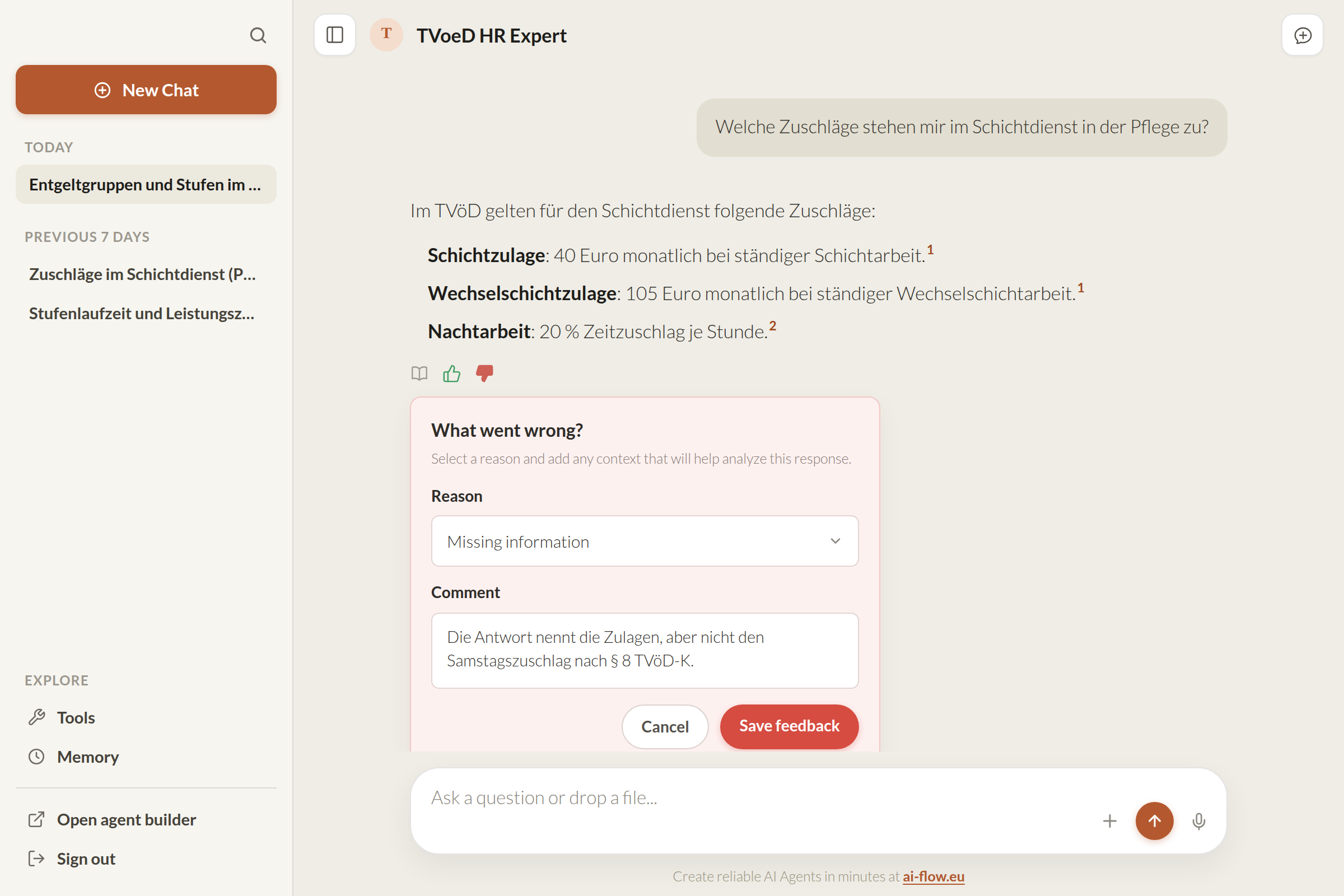
Anyone can rate an answer in place, pick a reason, and add a comment. The evaluation suite collects these next to your test sets, so you find quality problems where they happen.
Use the same evaluation workspace before launch and in production. Review groundedness, failure cases, and answer quality against real scenarios.
Check whether answers cite approved sources, follow defined boundaries, and refuse when they should.
Score relevance, completeness, and usefulness against real scenarios before release.
Use traces, failed cases, and evaluator feedback to decide what to change in the workflow.
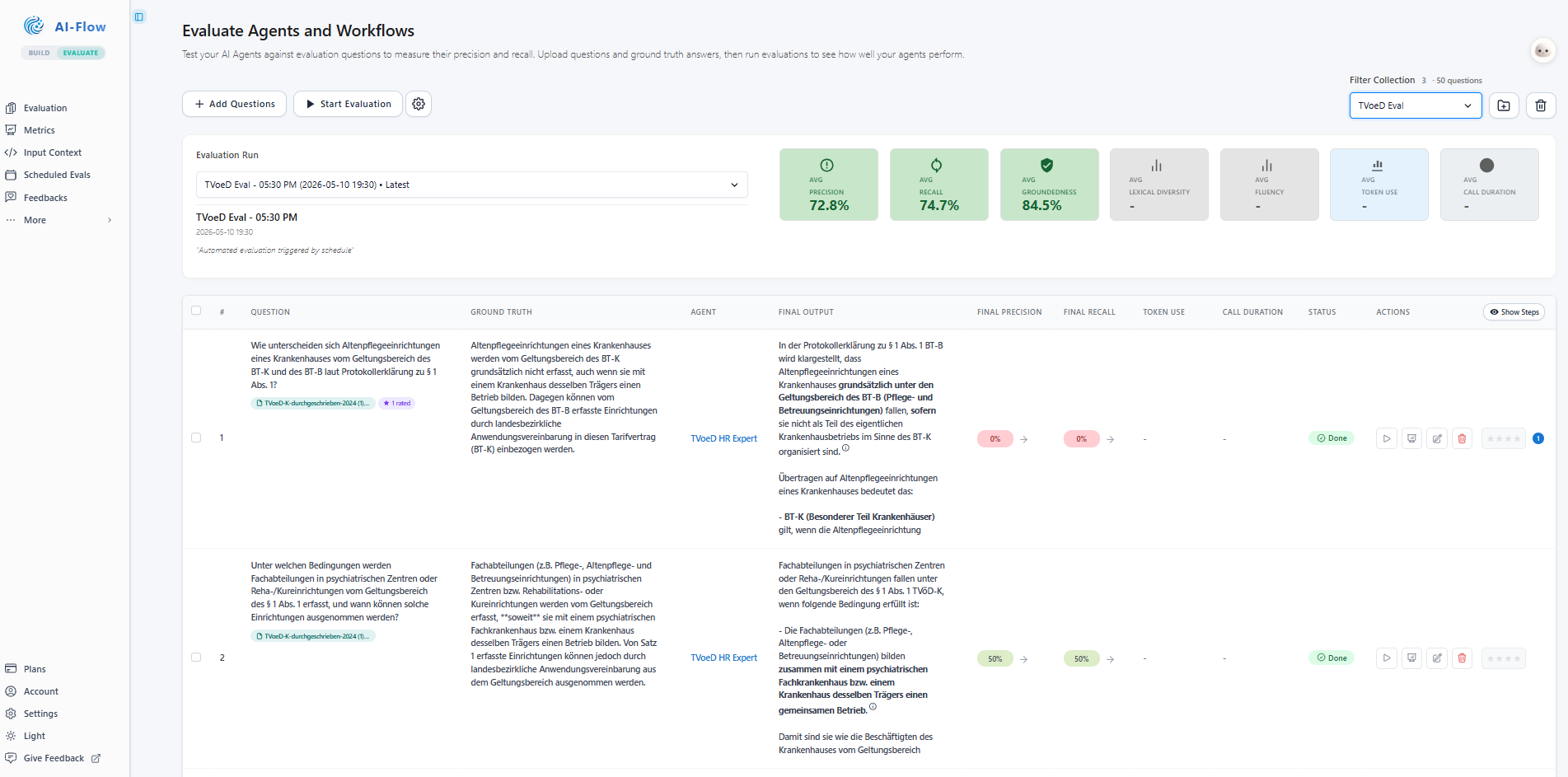
Run curated scenarios that test grounded answers, refusals, escalation paths, and retrieval quality.
Inspect what the agent said, what it used, and where the workflow succeeded or broke down.
Compare prompts, agents, and RAG configurations against the same test set.
Open evaluationWorkflow control, credential isolation, managed deployment, and evaluation in one platform.
See how AI-Flow.eu compares to n8n, Zapier, Dify, and ten other platforms, feature by feature
Open a personal agent, inspect the builder, and try the evaluation workspace before booking a demo.
Already have an account? Log in

